How-to
Tutorials for exporting GPX and animating routes
Before you can animate a trail, you need a standard .gpx track. These short tutorials cover the export path from Strava, Garmin Connect, and Apple Watch — then you drop the file into Vianim for a cinematic 3D preview and MP4 export. Looking for a finished story? See hike GPX to 3D video or travel itinerary to 3D map video.
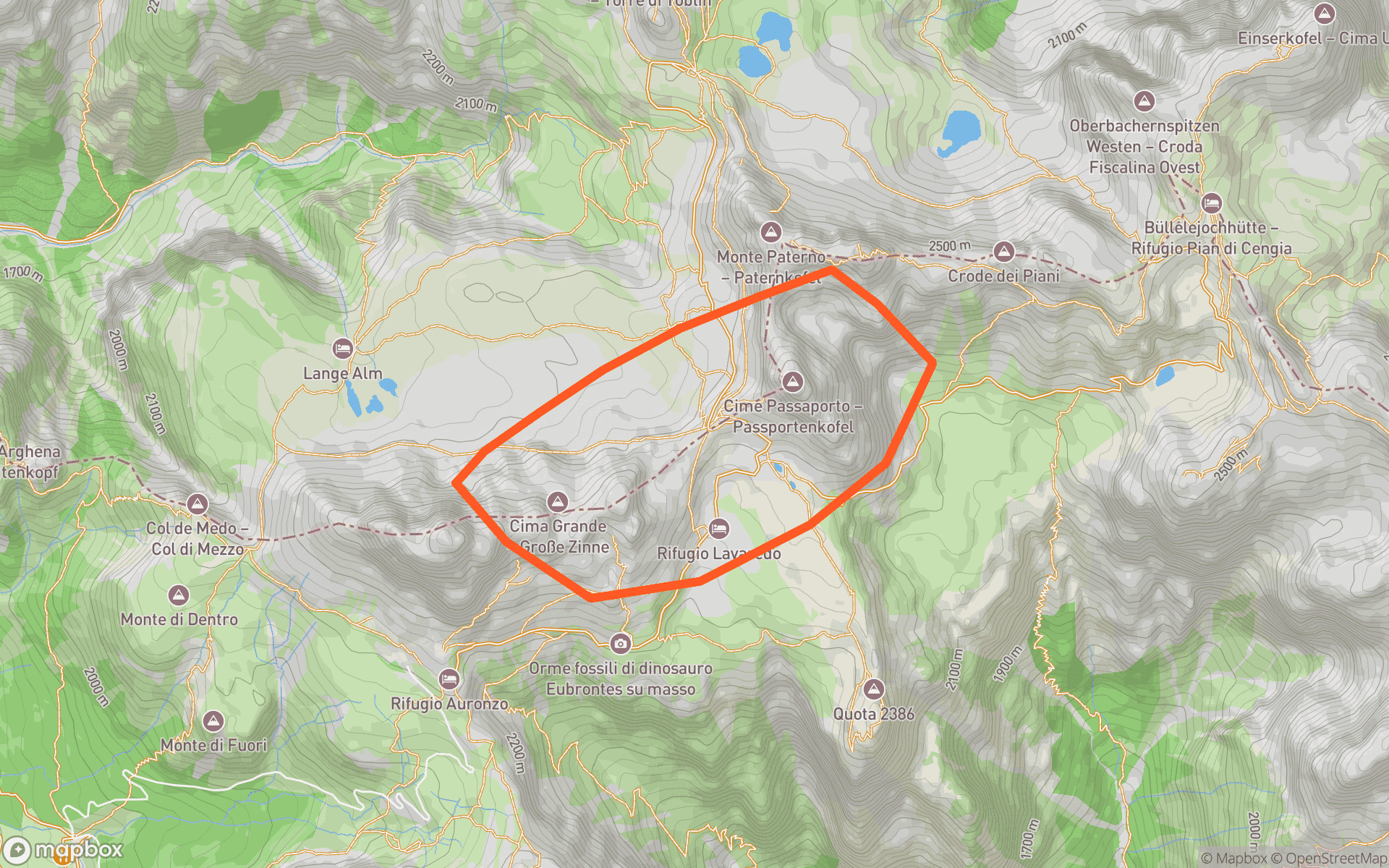 StravaOpen Strava tutorial
Download GPX from Strava
Export from the Strava website (not the phone app), then animate a downloadable MP4.
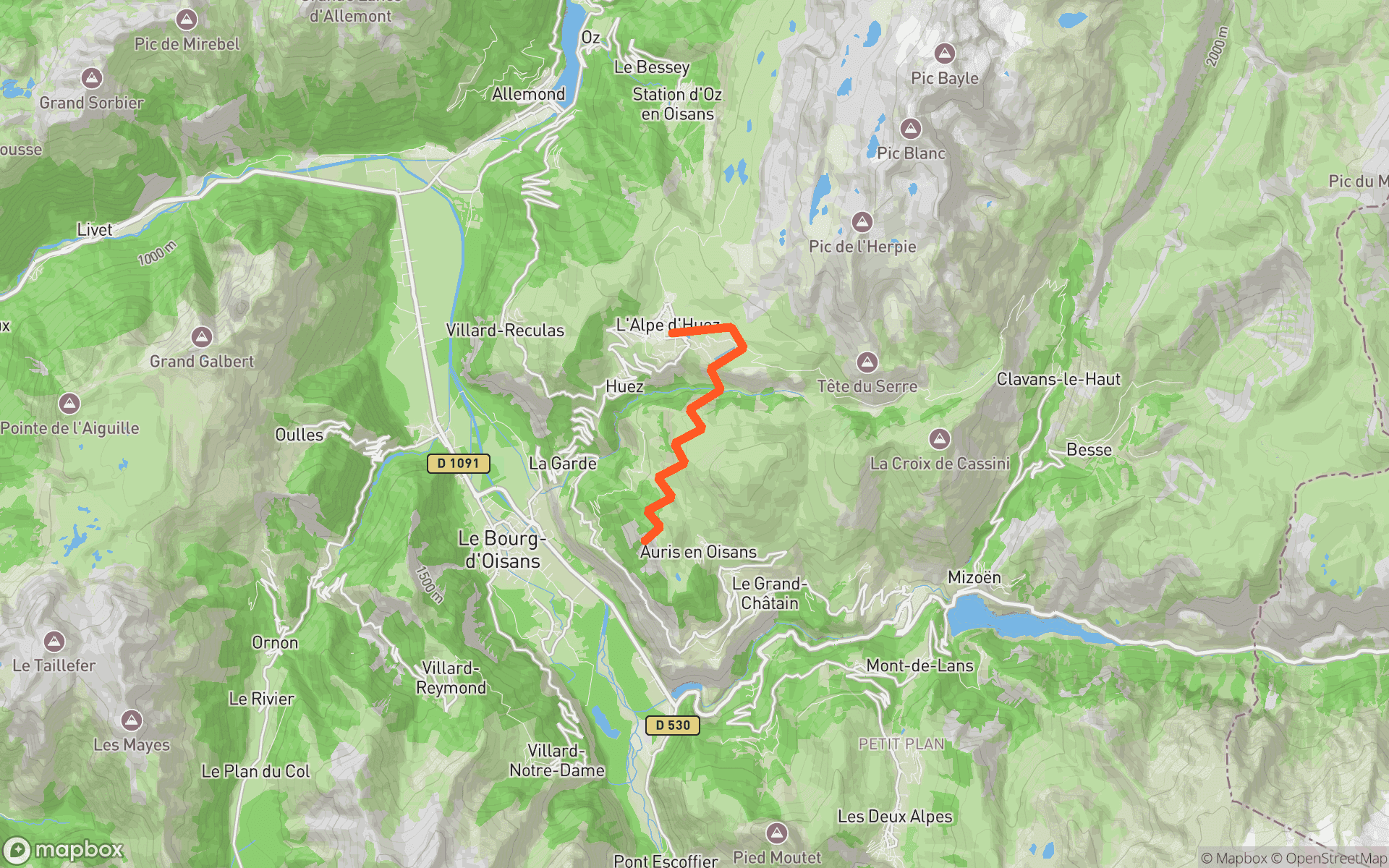 GarminOpen Garmin tutorial
Export GPX from Garmin Connect
Pull a .gpx off a Garmin activity and preview it over 3D terrain in the studio.
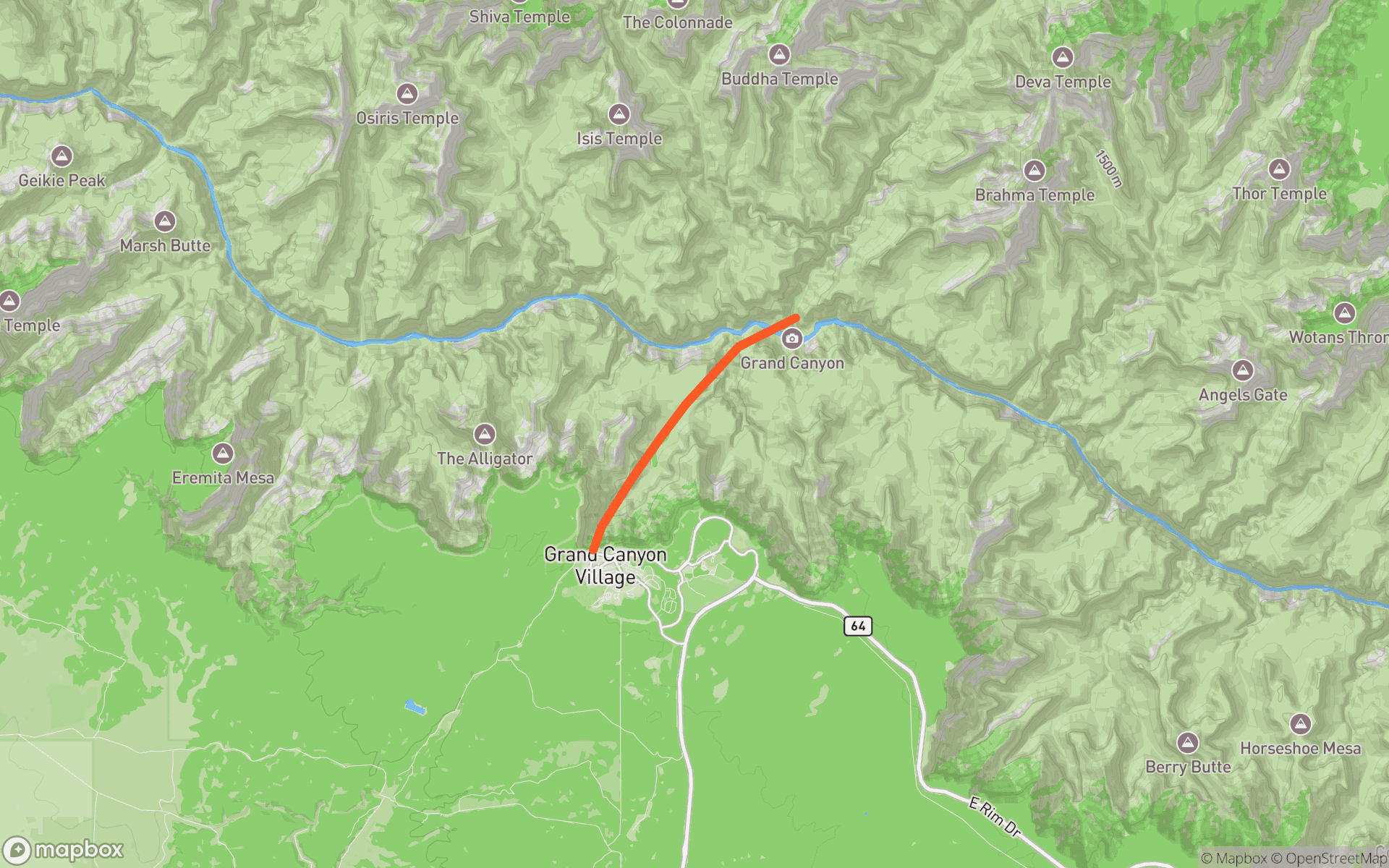 Apple WatchOpen Apple Watch tutorial
Export GPX from Apple Watch
Get a portable track from a Watch workout, then convert it into a route video.